Wednesday, June 17, 2015

Wireless and Portable speakers for Your Home Entertainment

Sound quality can make or break the way you experience your favourite music, and with so many different speakers and set ups to choose from it can seem impossible to choose between them all. We’ve rounded up a couple of our favourite speakers on the market today for you to consider.


Death Star Bluetooth Speaker


An incredible looking speaker modeled after the Death Star from the Star Wars movie franchise, this speaker will sure impress your friends. It is just 4.5 inches in diameter and sits on it’s own acrylic stand so it appears to be floating in space. This speaker features one-touch Bluetooth connectivity and has a rechargeable lithium battery that lasts up to 8 hours. It lights up and can wirelessly stream music from up to 30 feet.The Death Star speaker retails for around $70 AUD

Om One Magnetic Force Wireless Speaker 


Ever dreamed of having your very own hovering sound system? Now you can. Om Audio presents us with another spherical Bluetooth speaker though this one comes with a difference – the base of the speaker contains an electromagnet that allows the speaker to hover above it. The Om One is 3.6 inches in diameter and feature a 75mm audio driver and build in microphone. You can play your music via Bluetooth from up to 33 feet and has a battery that supports up to 12 hours of continuous play.Om One can be ordered online for $199 US and comes in Jet Black or Glacier White.

Harman Infinity One


The Infinity One has been getting great reviews for it’s sound quality and ease of use. It is built to be both portable and innovative without compromising sound quality. Along with Bluetooth connectivity it features and aux in port and can charge your mobile devices when you plug them in.The Infinity One is a great option for a real audiophile who doesn’t want to sacrifice quality for portability and offers all the ease of use and features you could need.The Harman Infinity One comes in at around $250 US

Creative Sound Blaster Roar SR20


The Roar is a feature packed Bluetooth speaker that has a compact design with a hardy exterior of aluminium which makes it particularly versatile without compromising sound quality. It features two amps that run the stereo and the subwoofer separately which means it produces clear HD sound.The Roar has a huge amount of inputs including power, aux in, micro SD and usb power output and input. It can also run hands free phone calls and be used as a recording device and even an alarm clock.The Creative Sound Blaster Roar SR20 retails online for $179.95 AUD

Bose SoundLink Color


 This compact Bluetooth speaker is capable of playing 8 hours of music and comes in five different colours. It’s lightweight design and streamlined appearance makes it a very stylish addition to anyone’s audio accessory collection. Bose has made it very easy to pair with phones and computers and also features an aux in port and a micro USB port to so you can charge the device and plug in to your PC to update the software.The Bose SoundLink Colour comes in at $179 AUD and comes in black, blue, white, red and mint.


The range of Bluetooth speakers available today is endless. The very best way to ensure you get one you love is to first to decide which features are most important to you. How portable you would like the speaker and how many different inputs and outputs it has, as well as how easy it is to charge and sync and how long you will need it to play without recharging, are all factors to consider before making your final purchase.At Local Bloke Antenna Services (Gold Coast) we constantly look for new product which helps our clients to enhance their home entertainment. Hopefully this post has helped shed some light on the kind of features and functionality you can expect from different products and how they compare with each other so you can pick your Bluetooth speaker with confidence.


Image Sources :
www.thinkgeek.com,www.theverge.com, www.techradar.com, www.slashgear.com, www.pcmag.com

Monday, May 11, 2015

Hassle free and Wireless Method of Antenna Installation in your Home

Bad TV reception can drive you crazy, but it is also something that people learn to put up with. Getting a great picture and reception on your television is one of those things that many people put off for a long time because they don’t know how to fix it easily.

Due to the way that digital television works, a bad signal means no signal at all. To overcome all of your reception issues the best thing to do is to upgrade to the latest high quality wide band antennas that offer you a greater range of channels and services that you may not be able to currently receive.


Installing an antenna can be a lot of hassle if you aren’t quite sure that you are doing. Calling in a professional to take care of your antenna installation is often the best choice for many people and can save you a lot of time and money. Installation of digital antennas requires certain knowledge about the local area, the local transmitter and its power and signal capabilities.


From Yagi-Uda to Wide Band UHF


Antennas have come a long way since the very first inceptions and iterations. The most famous type of antenna used even today is the Yagi or yagi-uda antenna. This design has proved to be the perfect way to hone in on a signal, and uses the shape of the antenna itself to provide additional boosting capabilities and feature minimal ghosting and signal loss.

This type of antenna was recently upgraded to provide digital television signals to many homes across the country, and in some areas where a strong digital terrestrial television signal is distributed, even an older analogue Yagi antenna is capable of holding a decent signal.


A more Capable, Precise Antenna


In the modern age, multiple broadcast towers and signals have meant that a more precise antenna, capable of wide band came onto the market. These kind of antennas are perfect for those who wish to receive digital channels in areas where some services are split between broadcast antennas, and where multiplex doubling is an issue.

Installing an Antenna with Wireless Capabilities


Installing an antenna requires you first to know where the broadcast signal is coming from to get the best picture. Many professionals use a signal detector to locate the precise direction of the antenna and then manually move the antenna into place for fine tuning.

You can take a look at all of the antennas down your street to see which way they are facing to give you a rough estimate, but the use of a signal detector will boost your chances of securing a solid signal.

Roof Installation


Fixing of the antenna to the roof or highest point is advised, with a line of sight not totally necessary, as antennas do not work in the same way as a satellite dish does. If you have a clear sight of the region in which your broadcast signal is coming from, you are less likely to suffer from interference, signal doubling or bouncing which causes multiple instances of the same channel at different frequencies on your receiver.

Securely install your antenna and use high quality copper coaxial which has been shielded to ensure that a minimum of signal loss is provided along the length of the cable. Run your cables around your home at a level pace, ensuring that the cable isn’t secured along the floor or directly under water pipes of other areas that could damage the cable itself.

Power Tools at the Ready!


 A drill is needed to make a hole through a wall or window frame to allow the cable to come into the room you wish to feed with television signals. Use cable tacks to secure the cable in place and run the cable neatly along any walls towards your device.

You can feed the cable through the wall and install a distribution box on the wall to create a neater cable feed system. In this case you will need another coaxial cable which then runs from the distribution box to your television or receiver.


Final Connection


Fit the coaxial connector to the end of the cable once you have cut the length to your preferred size and you are ready to start tuning your receiver or television to install your channels.

A wireless adaptor is available that will allow you to watch television in different rooms. You can purchase these types of devices from reputable electronics stores that will plug into your main antenna and then a second device will plug into your television.


This will wirelessly send the signal to a second television which doesn’t have an antenna connection. Alternatively, you can hook up your digital receiver to the second television and enjoy digital TV, Satellite TV and more on a second device.


Complications Associated with DIY Installations


There are many different complications that will arise when installing your antenna, so it is advised that you call a professional who can help with all aspects of your antenna installation. Antenna Gold Coast are a great example of a company that will help plan an installation with you and allow you to see each step as it is being done, with a range of options, from multiple room installations and other added extras.

Hire an Antenna Gold Coast Professional


A professional will be able to secure you the best signal, install a central distribution box that can feed multiple televisions in a home, as well as install a wireless antenna system to allow you to watch television on multiple devices whenever you need.

Don’t skimp on your antenna installation by doing it yourself, treat your family to perfect reception and a solid signal that will last many years to come!

Tuesday, March 31, 2015

Why do you need a Professional Antenna Installer?

With the advent of digital television, the number of viewers of popular television series has never been greater. More and more Australians are tuning in to their favourite programs with crystal clear images and surround sound-capable systems that surpass the old analogue systems of the past. Figures show that more people are switching from satellite Pay TV to Free-to-view television, with the addition of just an antenna.


Many people who make the switch from Satellite to Free-to-view digital television do so to save money on their monthly bills, and also for the simplicity, it seems of installing a new digital antenna. These antennas are just as troublesome as a satellite dish, and so many people have great issues in installing an antenna without professional help.Some of the issues that arise from a poorly installed or problematic antenna include:


Reception Problems  


 Reception problems tend to be the biggest visual acknowledgement that there is an issue with the installation somewhere down the line. It could be an issue with the antenna itself, a cabling issue, a receiver issue or a simple mis-positioning of the antenna. Reception with digital television is unlike analogue television where interference is shown on the screen; DTTV displays a blank screen, leaving many amateurs scratching their heads.

Equipment positioning is another issue that many amateur installers tend to overlook. It doesn’t just mean repositioning the antenna in a general direction until you see a signal. You may live in an area that is at the intersection of two distinct broadcasting areas, leading to signal bleeding and multiplex doubling on your receiver. A professional antenna installation engineer will be able to see these issues right away, and fix them.

Safety Concerns


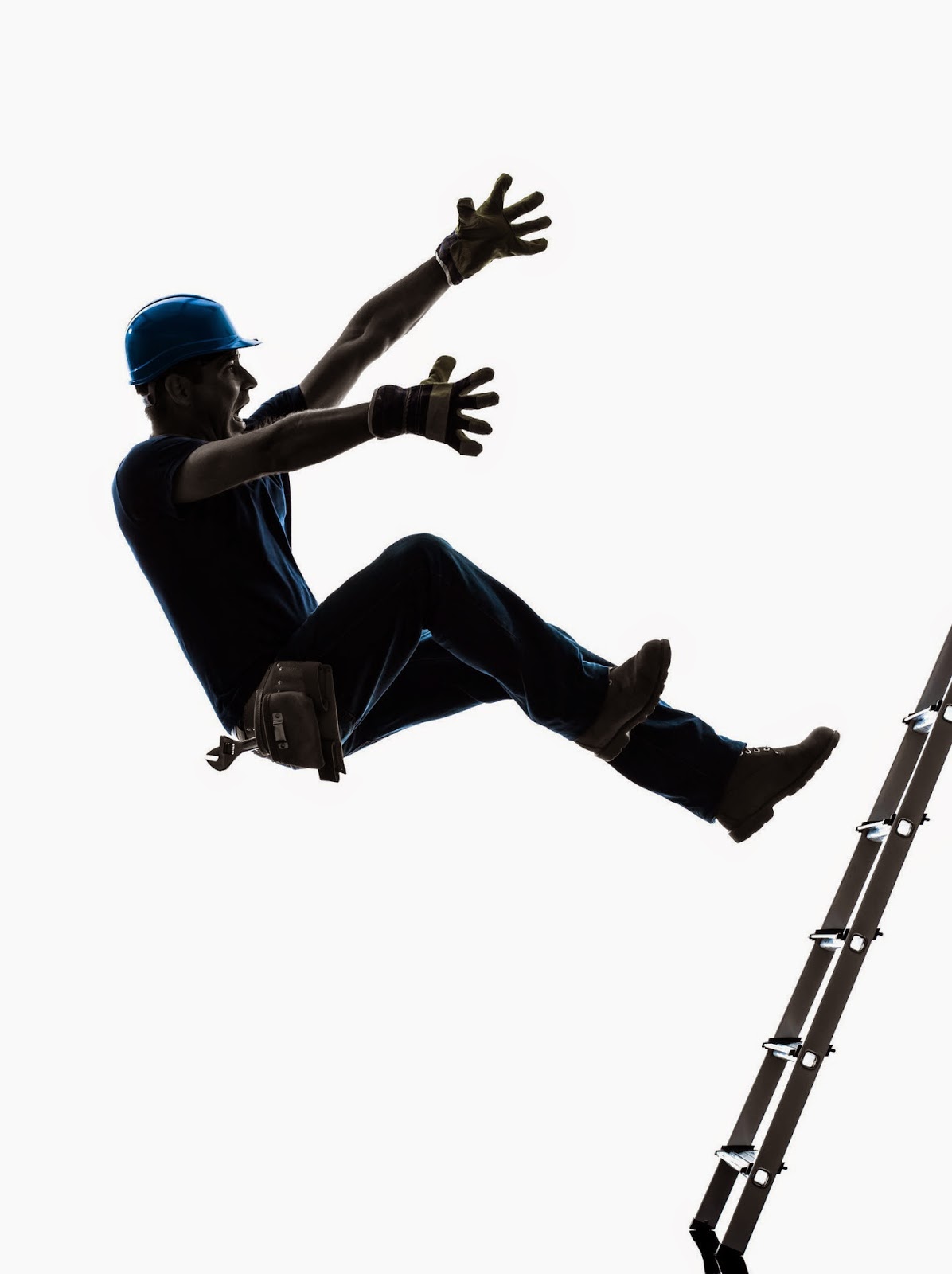
Many people take on the installation of their antenna on their own roof themselves, without a thought about the safety aspects involved. The dangers of using a poorly secured ladder around the home is known threat, and increasing your risk of falls is certainly one to avoid. In the US, 43 percent of fatal falls in the last decade have involved a ladder. A professional digital antenna installer will have all of the right equipment to perform an installation safely and securely.

Another problem that may arise if you install an antenna yourself is that you may choose the wrong sort of antenna. There are many different types of antenna available on the market and each has its own purpose and setting. While initially it may be easy to just look at your neighbours and get the same shaped antenna as they have, it is important not overlook the necessity of a wide band antenna, a high gain antenna and the receiving equipment used.

Signal Quality


One of the most important aspects about antenna installation is achieving the best signal quality so you can enjoy watching your television any time and without issue. Many people overlook the use of cables around their home and may not know about the right type of cabling to use indoors and outdoors. High quality copper core coaxial is preferred by the professionals and may not be available to buy at the local store in the correct lengths needed.

Hire a Professional Antenna Installer


Many professionals take care in planning their cable route around the home to make sure that there is no signal drop outs, and that boosters and sockets are used in the correct way to ensure the best possible signal throughout the house. Cabling and distribution is where a smart professional antenna installer will be worth their weight in gold.

However, how do you find a professional antenna installer in gold coast area? We published an article about this subject which was titled “Finding the Perfect Gold Coast antenna Installers”. In addition to that Antenna Gold Coast offers an expert service that can save you time and money in giving you the best antenna installation for your home. The professionals can test your local area and decide which antenna is best for you, offer you a simple cable routing plan around your home and install distribution boxes where you need them, giving you the best service which will stand the test of time – and your entertainment needs!

Sunday, January 11, 2015

Top 5 Inspiring Sites with Awesome Home Theatre Photos


Home theatre systems has always been an integral part of home entertainment. Surprisingly there is a lack of high quality design collection in the web where you can find your dream home theatre system decoration idea.

At Local Bloke antenna service, we’re constantly researching and looking at new trends in interior style options for tv wall mount installation and home theatre installation. To make your life easier we’ve curated a list of awesome websites which presents some amazing home theatre systems decoration concept. We bet that you will find your dream home theatre system decoration idea from any of this websites for sure!

Houzz


Houzz has a collection of free high-resolution photos and they are arguably become the best source for free home theatre photos. You will be surprised to know that their home theatre photo gallery has 5, 755 phots which is huge comparing to any similar website. We have noticed that they are updating their collection frequently. This means that you will get the latest home theatre design idea from this site.

Admitone Systems


Admitonesystems is another wonderful website where you will find a large collection of high-resolution home theatre pictures. Their photo gallery is categorised in three section: Dedicated Theatres, Home Automation System Gallery, and Media Rooms. Brows the section of your interest and find your desired design.

Overture


Overture is another nice home electronics website where you find some beautiful home theatre system photo. Their gallery presents how home electronics can be enhance your lifestyle.

Connect Multi Media


This is probably the best site where you will get very high quality home theatre image. It has a variety of beautiful home theatre system decoration photo which is both eye catching and useful.

Realestate


Realestate is basically a famous property site where people can share , rent or buy new home. The most attractive part of this website is that people can find new home design ideas by the form of videos, image gallery etc. This site has an astonishing number of 18.6 million monthly visitor. From the terms of use page we found that they permits the visitor to download copyright material for using private and non-commercial use only.

Conclusion

If you are still reading this post then you might notice that there is some wonderful resources of free home theatre photo available in the web which is very helpful for the home designer, home decoration enthusiast and people who love digital entertainment at home. We highly recommend you to visit this websites to find the suitable home theatre concept for your home. If you feel that we miss any similar website then don’t forget to share it in the comments section.

Tuesday, November 18, 2014

5 Modern TV Wall Mount System for Flat Panel TVs

We all have TV systems in our home. As the television evolves, the size and shape of modern day television has also changes significantly. It’s a fact that people have a tendency to upgrade their TV frequently nowadays. This is because of the amazing user experience that new TV systems offer.

TV Wall mount system is an equipment commonly used to install Television inside a room. This equipment is an integral part of your TV if you want to hang your TV in the wall. There are many types of TV wall mount systems available in the market. However before buying a particular system one must decide which TV model they are going to go for.

Full Motion TV Wall Mount for 32"-65" LED LCD Plasma TVs: VideoSecu Articulating


This is a perfect wall mount system for medium sized LCD plasma TV manufactured from heavy steel, it has 25 inches of extended armpits that can easily contain TV screen weighted up to 165lbs.Because of having dual arm design it can be rotated up to 160 degrees. It also has a 15 degree forward and backward tilt. Manufacturers provide 10 ft A37 HDMI Cable as a bonus. Very easy to install and flexible to use it has a gorgeous black colour perfect for home entertainment.

VideoSecu ML531BE TV Wall Mount for 22"-55" LED LCD Plasma Flat Screen


This is another nice wall mount system for medium to large sized LCD TV. It can contain 22 to 37 inch TV nicely. It has 4 mount adapters which is easily removable. The maximum weight load capacity is 88lbs.Like VideoSecu Articulating it also has 15 degree forward and backward tilt. Its 180 degree flexible swivel and 20 inch extension for adjusting TV placement makes it very attractive. Its price range is also very affordable comparing to other wall mount system. Read on to know about the other options you have at hand. The important thing to keep in mind are the significant advantages of wall-mounting your television, which includes reduction of strain on the eyes.

OmniMount Tria 2 Black Shelf Wall System 


Unlike previously described wall mount systems Omni Mount wall system is made for small LCD plasma TVs. It has two glass stands, each of which can contain maximum 30lbs. Tria 2 is a portable two shelf which can be installed easily at home without taking help from anybody. Because of having a clever design all the external wires are hidden in spine shape covers. Its flexible design allows it to be used with or without the flat panel. Its user friendly and attractive size is easily distinguishable from any other wall mount system.

Universal Super Flush Wall Mount: Omni Mount OMF Mounting System Compatible


If you are looking for a wall mount system which is not only strong but also easy to hang in the wall then Universal Super Flush Wall Mount is the right match. This TV system allows maximum 42 inch flat screen TV on a typical wall.You have the flexibility to add or remove studs. Having three steps installation process you can mount anything you need for a flat screen TV with in the load limit.

Cheetah Mounts Two Shelf TV Wall Mount


This is probably the most beautiful wall mount system compared to the previously described systems. It has two 18 X 16 inch large shelf which can be used as an individual mounting system or joined with the other. You have the flexibility of installing plasma TV, Blue ray DVD players, game consoles, satellite receivers, cable boxes or anything similar having a maximum weight of 44lbs.The columns are built with aluminium which makes this system strong. Two shelves are manufactured with high quality steel which holds the TV components firmly. There are two 2.25 in. holes in the stands which allows to hide all the external cables and make the whole system look smart.


As I mentioned earlier that there are a wide range of TV wall mount systems available in the market. Which product is suitable depends the configuration of your TV. So understanding the specification of your TV is the key before you go to buy a TV Wall mount system. Most of the time, it is likely that you can install it by yourself. However if you are in doubt or don’t feel confident then you must take help from professional TV wall mount installation company in Gold Coast.

Image Source: amazon.com